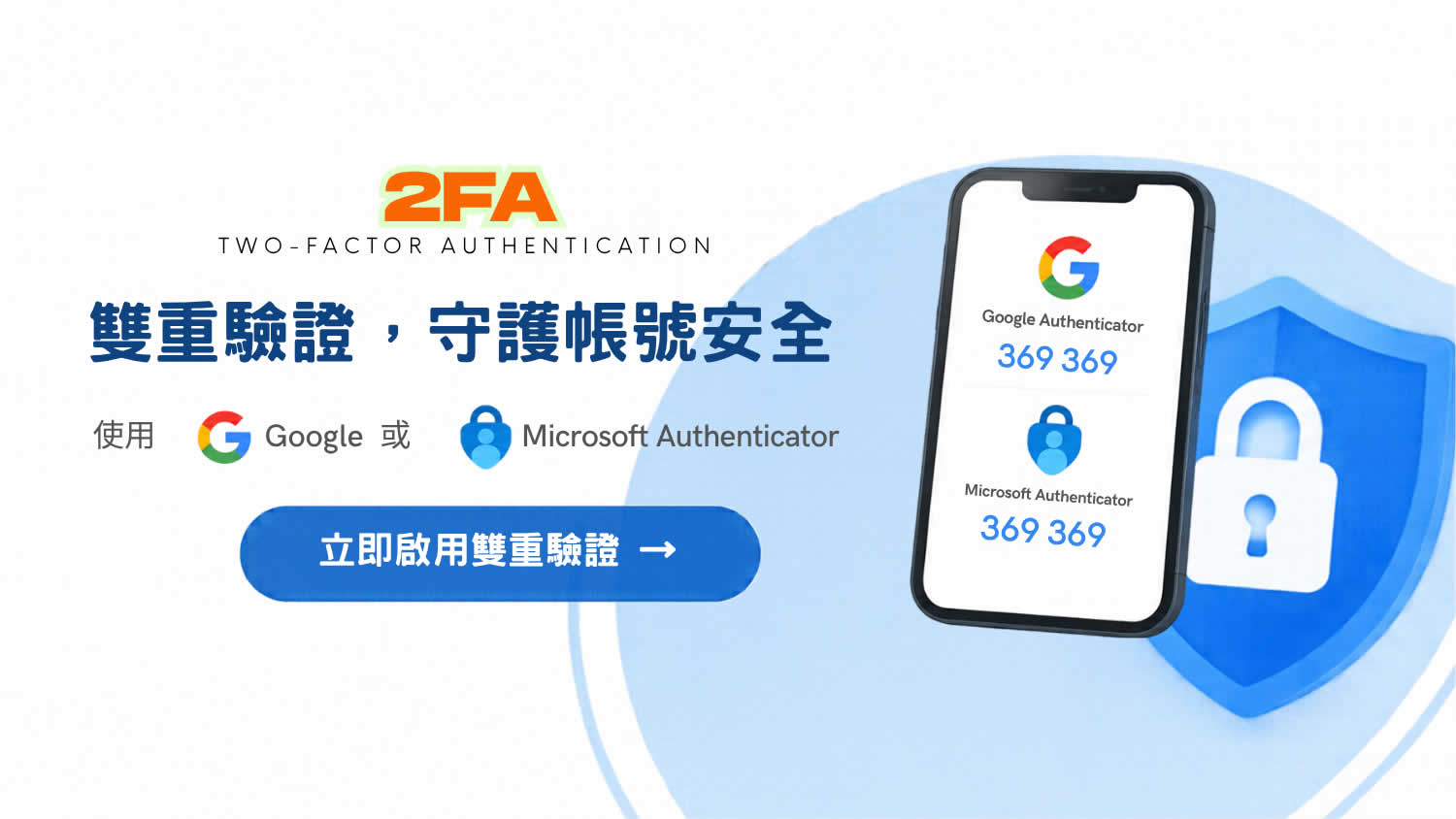
| 🛡️ Filuxe Security Upgrade Guide: Enable Two-Factor Authentication (2FA) in Three Steps | |
|---|---|
| Add an extra layer of protection to your account in just 30 seconds! 🔐 | |
| Step 1 | Log in to the official website ➔ Go to the Management Center |
| Step 2 | Click on Personal Information ➔ Locate Two-Factor Authentication (2FA) |
| Step 3 | Click Enable Two-Factor Authentication ➔ Complete the setup using Google Authenticator or Microsoft Authenticator 📲✨ |
| Security Tip | 💡 Supports mainstream authenticator apps—add an extra layer of dynamic password protection to every login for safer trading! 🚀 |
| Get Started | 🔗 https://filuxe.com |
| About FILUXE |
Hong Kong-based B2B marketplace for pre-owned luxury goods | Dual-verification process: AI-powered image screening followed by expert human appraisal | Certified by JVLA, CCIC, and CIQA | Rapid price quotes in just 15 minutes! FILUXE is your dedicated luxury goods technology partner, providing professional authentication expertise to help you distinguish genuine items at a glance. |
| Member Services |
👑 Log in to access online courses for free (more content on authenticating luxury brands coming soon) 🎓 Online Courses: www.filuxe.com 📦 Book a Resale/Buyback Quote Online: https://www.filuxe.com 📰 Latest News: https://www.filuxe.com/news.html |
| Additional Information |
📺 YouTube Channel: Filuxe.Vintage – Pre-owned Luxury Goods Authentication 🤝 Business Inquiries / Authentication Consultations: Please contact customer service via our official website. *Prices for pre-owned luxury goods fluctuate based on market supply and demand; final quotes are subject to the results of a physical inspection. |
Share this article
Call to Action


